Reorder suggestions
Suggested orders per item and site from free stock and reorder points. Raise them as drafts, or let Tamar raise and release them on a schedule.
TamarSuite / Tamar ERP
Tamar ERP runs the office: purchasing, sales, invoicing, payables and the books. It's joined to the warehouse, so stock, costs and despatches are always the real ones, and supplier bills check themselves.
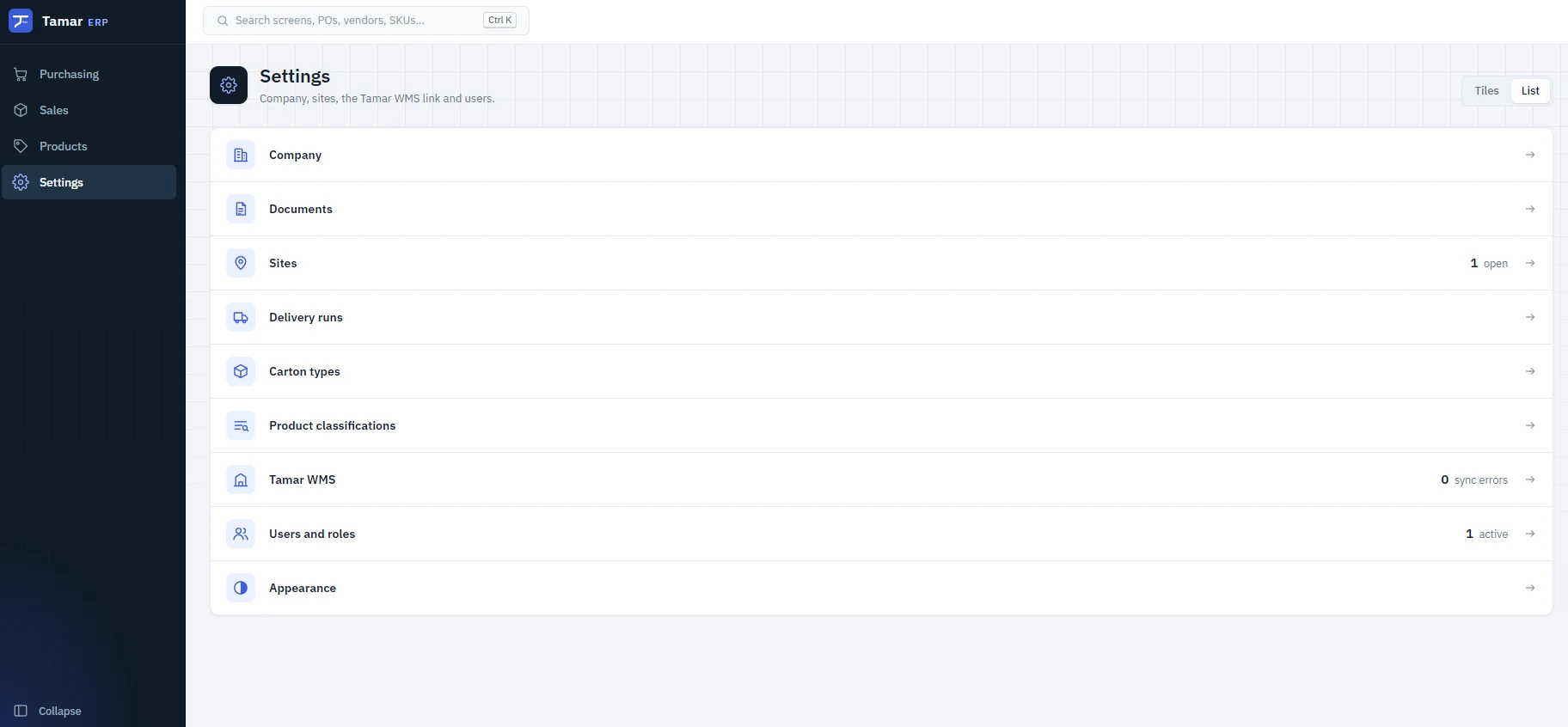
Reorder suggestions come from what the warehouse really has free, orders reach suppliers electronically, and their bills are checked against what arrived.
Suggested orders per item and site from free stock and reorder points. Raise them as drafts, or let Tamar raise and release them on a schedule.
EANCOM, X12, cXML, GS1 XML, PEPPOL UBL, SAP IDoc or CSV, over HTTPS or the supplier's own SFTP server. Confirmations, changes and delivery notices come back on their own.
Supplier invoices, by EDI or keyed in, are matched line by line against what was ordered and what was received. Anything that doesn't add up is held with the reason.
Buyers release orders up to their limit, and anything over goes to a manager to approve. Every change is kept in the PO's history.
As the warehouse receives, each line fills in. Over-supply is sent for review, and claims against the supplier carry through to a credit.
With Tamar Dock, carriers book a door against your open POs, so you know when the stock is arriving.
See what's free to sell before you promise it. Each order is allocated against what the warehouses actually have, and split, backordered or cancelled the way each customer prefers.
What's free to sell at each site, live from the warehouse, less what other orders already have, and what's still to come on open POs.
Fill from the customer's usual site, or choose Auto: each line ships whole from a site that has it all, and splits only when none does.
Customer prices and sell prices fill in on their own. Changing one means unlocking it, and the line is marked as a price override.
Per-customer prices, delivery addresses and runs. Licensed products can't be sold to a customer without a current licence that covers them.
Shopify orders arrive with their shipping, sent to the warehouse when paid or authorised. Refunds come back into the books.
Each despatch is invoiced as it goes, shipping included, with the batches that were sent. Returns and claims are credited against the invoice.
Authorise a return against a shipment. The warehouse receives it, and the stock comes back on the books at its cost.
Hire serial-numbered equipment by the day or week, tracking each unit out and back, and its testing.
Shipping method and charge on each order, invoiced once to freight income and passed to the warehouse for the label.
Every receipt, despatch, invoice and payment posts itself to the ledger, so the figures match the warehouse.
A new company is walked through the setup step by step, and can't miss the parts that matter for the books.
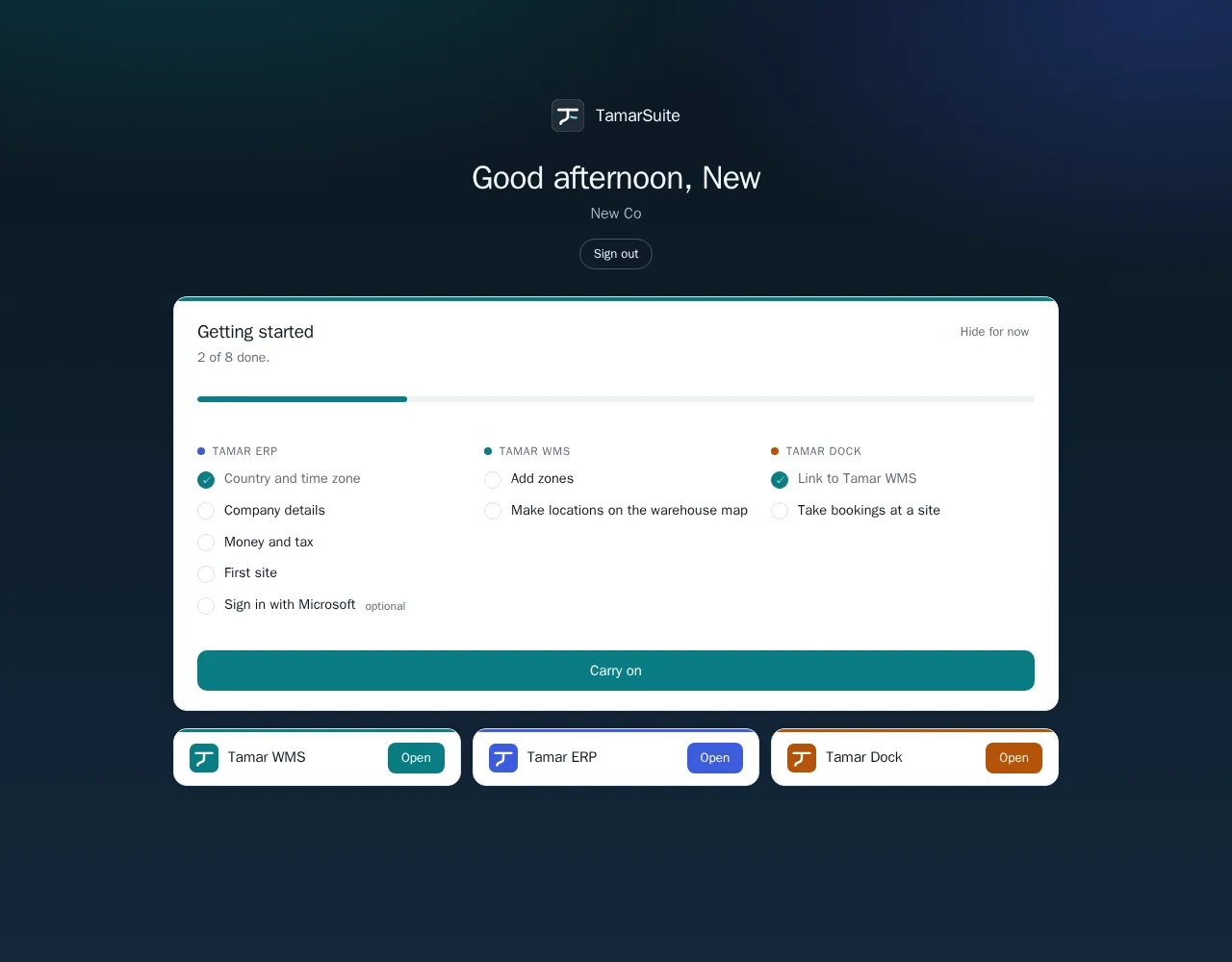
We'll walk you through Tamar ERP and how it joins to the floor.